UnpackMe Tool Latest MediaTek MTK Fix Tool Free
UnpackMe Tool Latest MediaTek MTK Fix Tool Free: Overview:
An integral part of the UnpackMe Tool is the MediaTek MTK Fix Tool. It serves as a thorough fix for many problems that MediaTek MTK devices may have. With the help of this utility, users can unpack device firmware, modify it, and apply fixes to fix various issues. It’s a user-friendly interface and potent capabilities make it a vital tool for users of MediaTek devices.
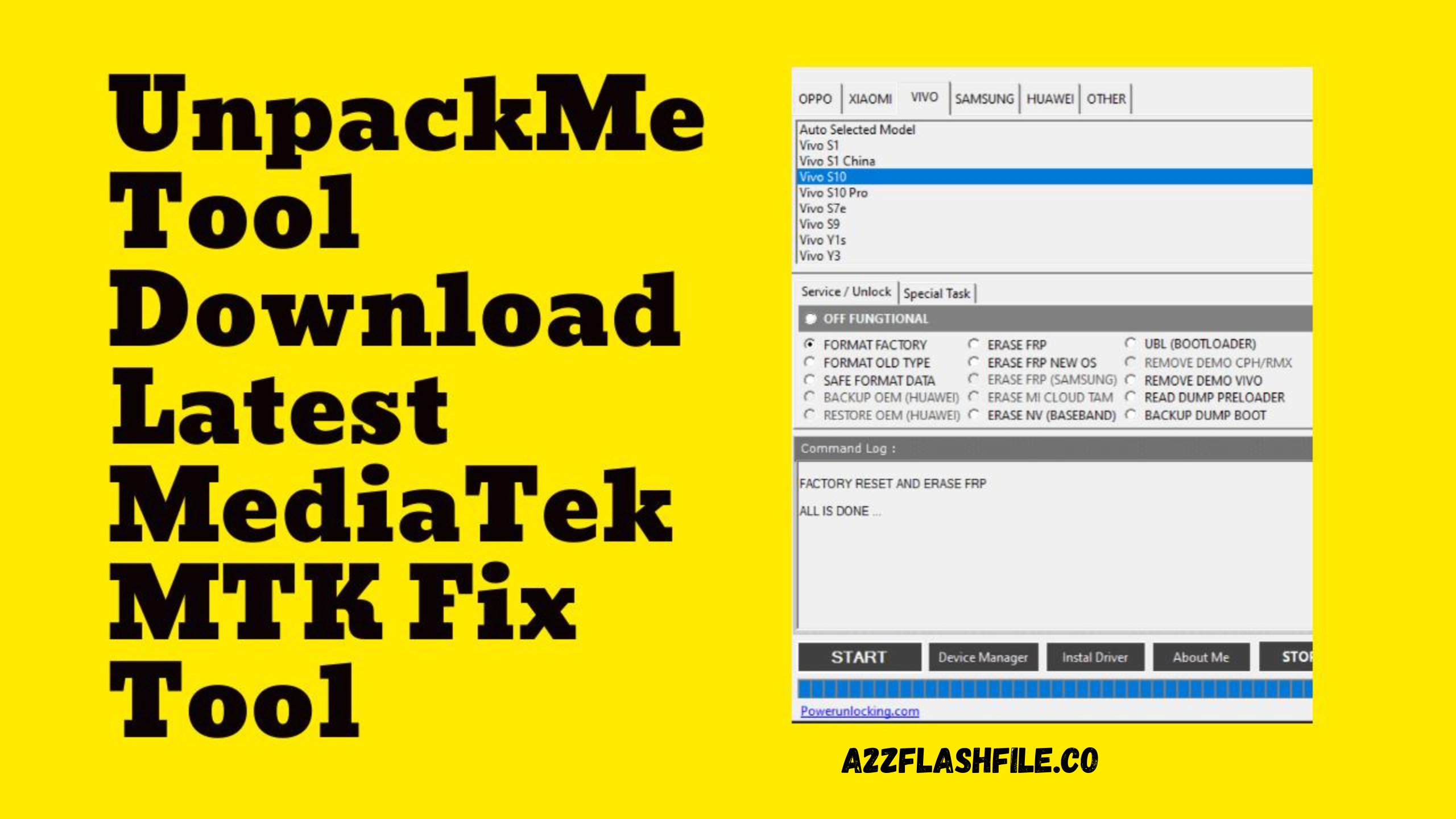
UnpackMe has been a supporter of the following brands’ smartphones:
- Saeed Saleh Tool V1.0 MTK Samsung Huawei Repair Tool
- Panda Tools Network Unlock Frp Bypass Repair IMEI Tool
- iRemoval PRO v5.6 / iRa1n v1.5 All Bugs Fix Windows Tool Free Download
Benefits of Using the UnpackMe Tool:
By utilizing the UnpackMe Tool, users can enjoy numerous benefits:
- Enhanced Device Performance: The UnpackMe Tool enables customers to enhance the performance of their MediaTek MTK devices. It offers options to adjust system preferences, get rid of bloatware, and optimize the device’s resources, making for a quicker and smoother user experience.
- Fix Common Problems: Whether your device is having a boot loop, frequent crashes, or software malfunctions, UnpackMe Tool provides methods to fix these typical issues. With just a few clicks, it can restore the stability and functioning of your smartphone.
- Customization choices: Users now have access to previously unreachable customization choices thanks to UnpackMe. This program gives users the ability to customize their devices in accordance with their tastes, from altering the system fonts and icons to changing the boot animation.
- Advanced Firmware Modification is possible using the Tool.
UnpackMe Tool Latest MediaTek MTK Fix Free Download
- Xiaomi
- Samsung
- Huawei
- OPPO
- VIVO
- VSmart
- Asus
- Lenovo
- Infinix
- LG
- Meizu
- Nokia
- Additional devices will be added soon.
UnpackMe Tool Features UnpackMe:
USER LOCK
- – Factory Reset
- – Safe Format [KEEP ALL DATA | PARA, MISC
- – Authentication Bypass
- Unlock Bootloader
- Relock Bootloader
- Permanently unlock
ACCOUNT LOCKING
- – Erase FRP [ALL MTK]
- – Samsung FRP [ALL MTK]
- – Xiaomi Account Erase [ALL MTK]
DEMO LOCKING
- – VIVO DEMO Get rid of (ALL MTK)
- • OPPO DEMO Remove [ALL MTK[ALL MTK]
- – VIVO V23e Demo Remove

MTK Universal
- – Auth Bypass
- Flash
- Backup NV
- Unlock Bootloader
- – Format Data
- – Erase NV
- Relock Bootloader
- – Erase FRP
- – Restore NV
- – Restore NV
- Reset MiCloud
- – Erase FRP [SAM]
How to Download?
To download the follow these simple steps:
- Step 1: Visit the official website of UnpackMe Tool.
- Step 2: Navigate to the Downloads section.
- Step 3: Choose the appropriate version for your operating system (Windows, macOS, or Linux).
- Step 4: Click on the download link and wait for the file to be downloaded.
- Step 5: Once downloaded, run the installer and follow the on-screen instructions to install UnpackMe Tool on your computer.
Get Access Now:


Comments
Post a Comment